Set your own prices and recipes
OpDesk's list is a good start, but your own prices win. Add what things really cost you, give your plant a day rate, and make recipes that turn a square metre of wall or a cubic metre of concrete into materials, labour and plant.
- 1
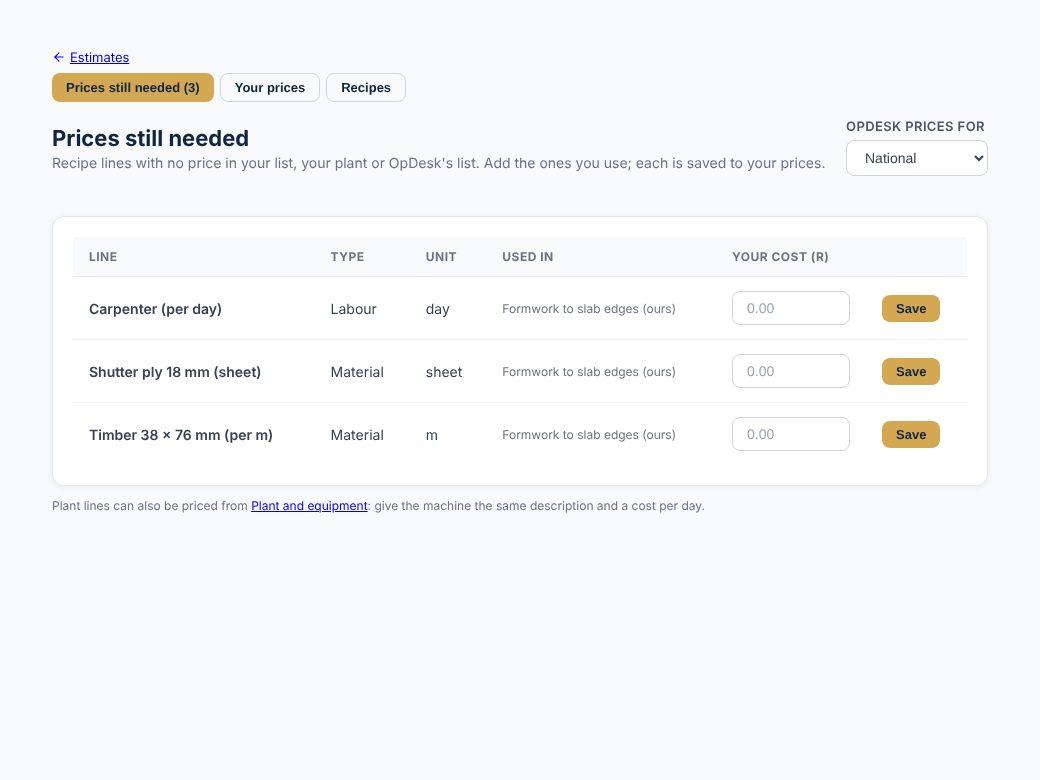
Fill in the prices still needed
Every recipe line without a price is listed. Type your cost once and it is saved to your price list for every estimate.
- 2
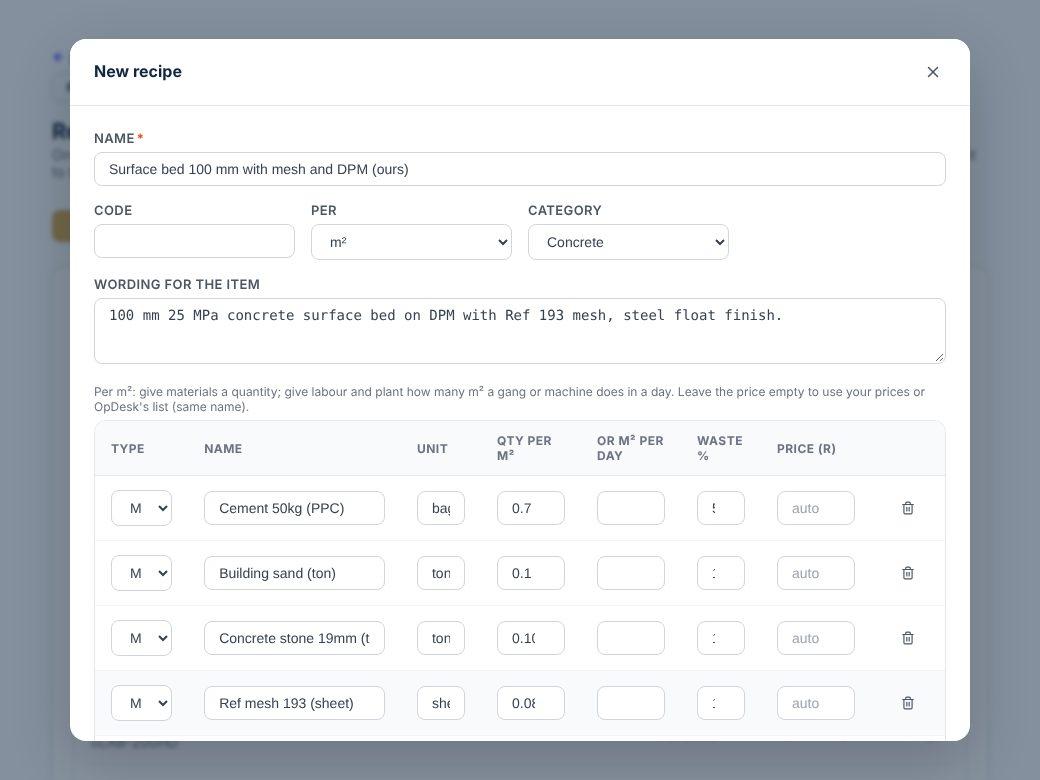
Make the recipes your own
Copy a starter recipe and set the quantities, waste and daily output your teams really achieve.
- 3
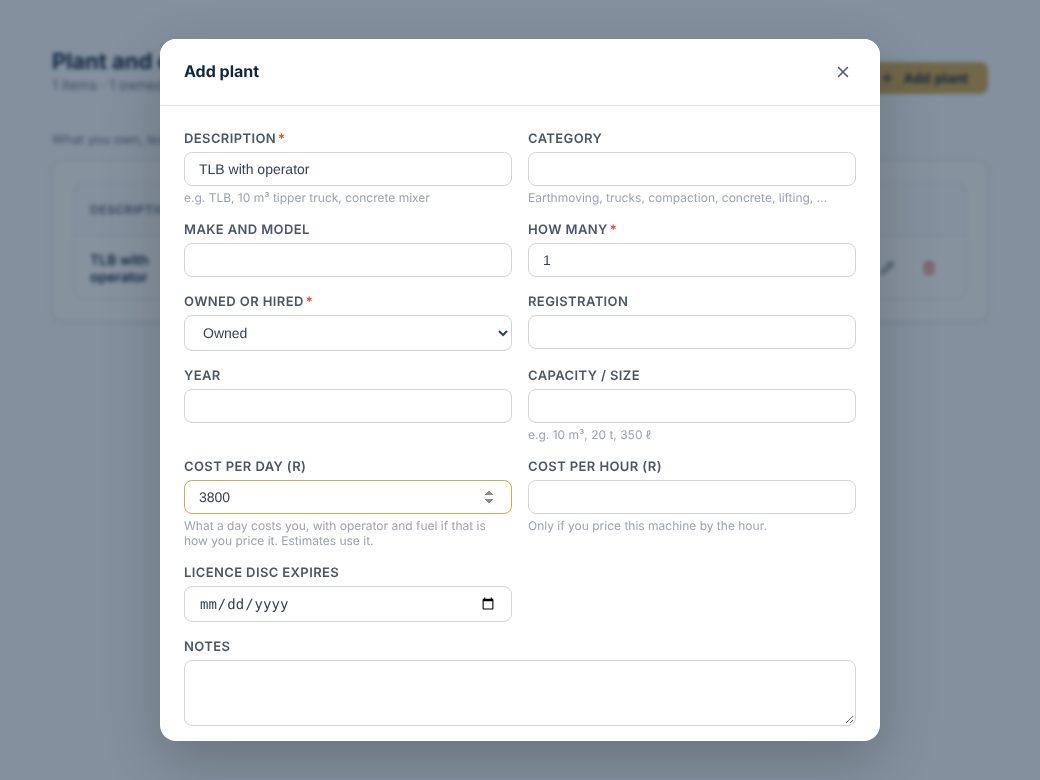
Give your plant a day rate
Add a cost per day or per hour to each machine. Recipes with the same name pick it up.
Win more tenders with AmaThenda
Compliance documents, eTenders alerts, tender packs, estimates and quotations on your office PC. R999 a month, 14 days free.