Update AmaThenda on your office PC
AmaThenda on your office PC fetches new versions in the background. Open Updates to see what is new and how the download is going. Only the person who set AmaThenda up installs, and the data is always backed up first.
- 1
Updates download by themselves
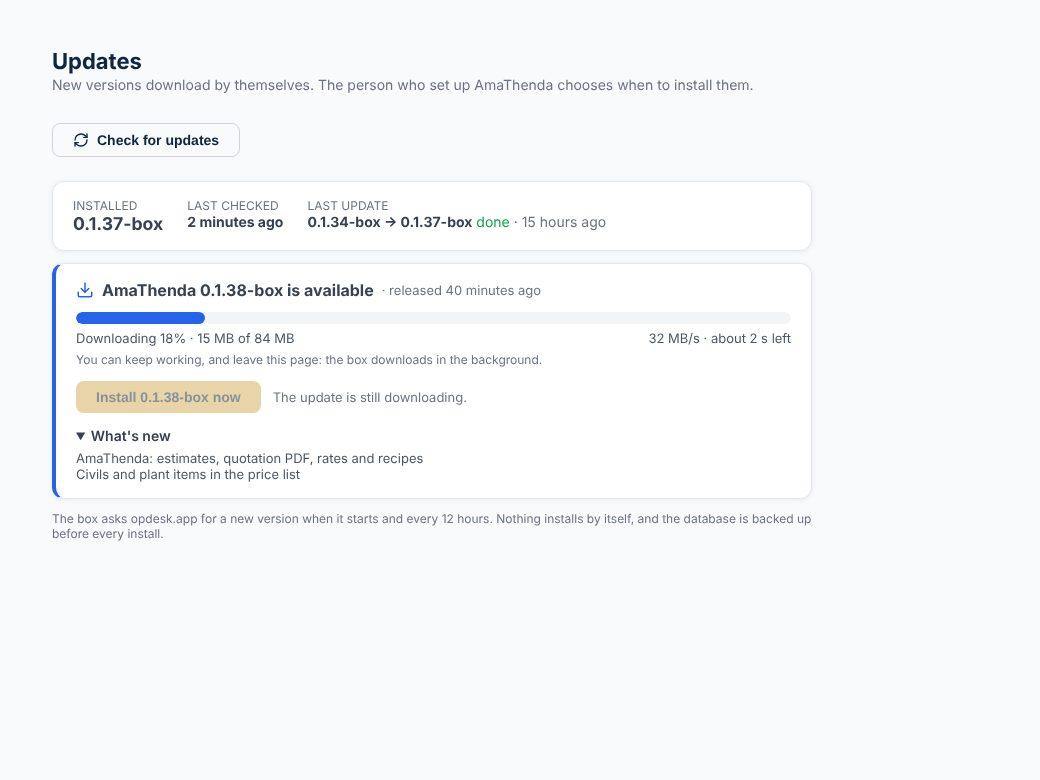
Updates shows the version you have, what is new and a live progress bar while it downloads. Keep working while it runs.
- 2
Install when it suits you
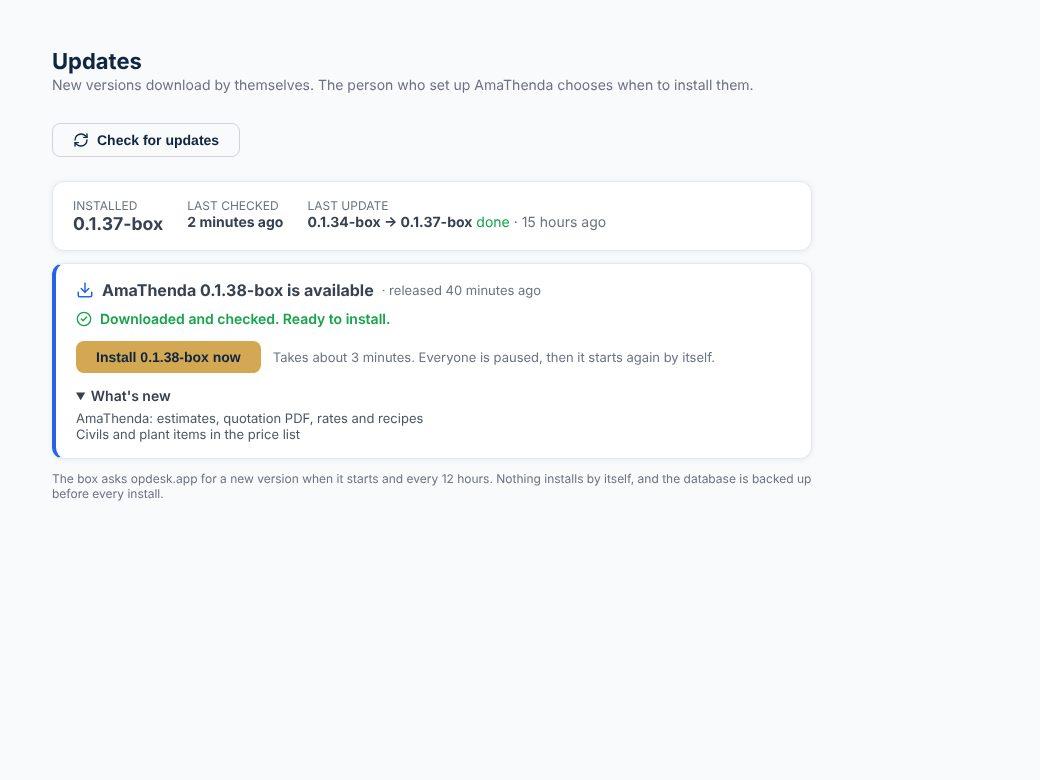
When the download is checked and ready, the person who set up AmaThenda clicks Install. It takes about 3 minutes.
- 3
Backed up, then installed
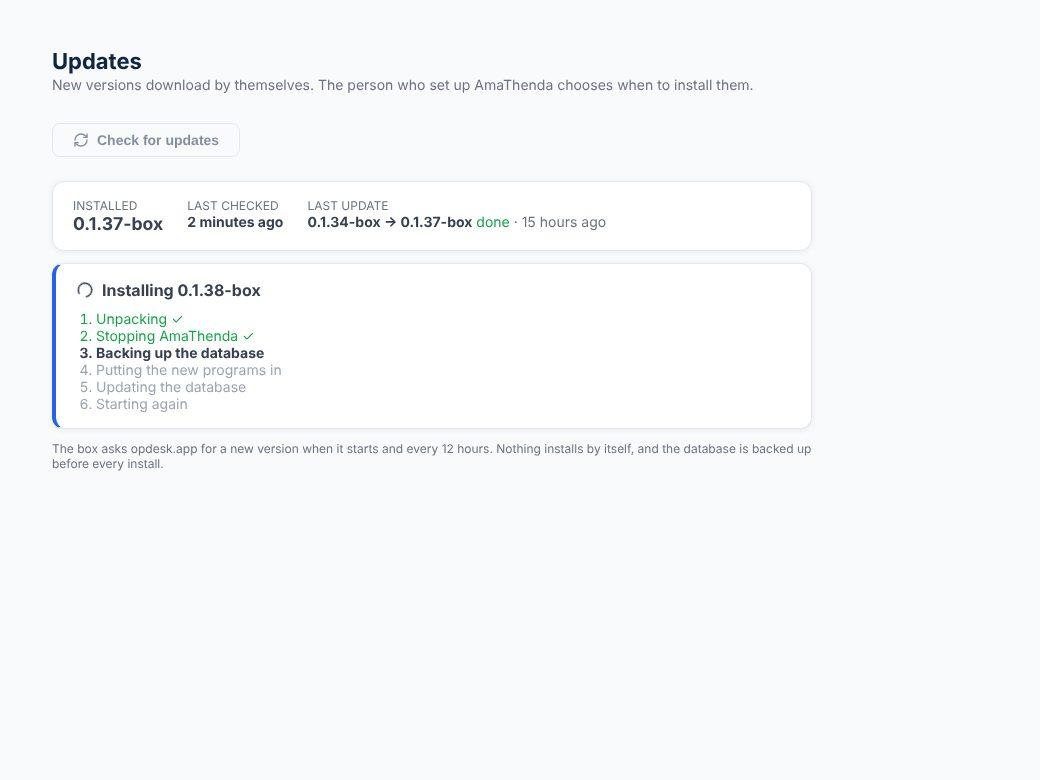
The steps tick off as they happen: unpack, stop, back up the database, put the new programs in, update the database and start again.
- 4
Done, or put back
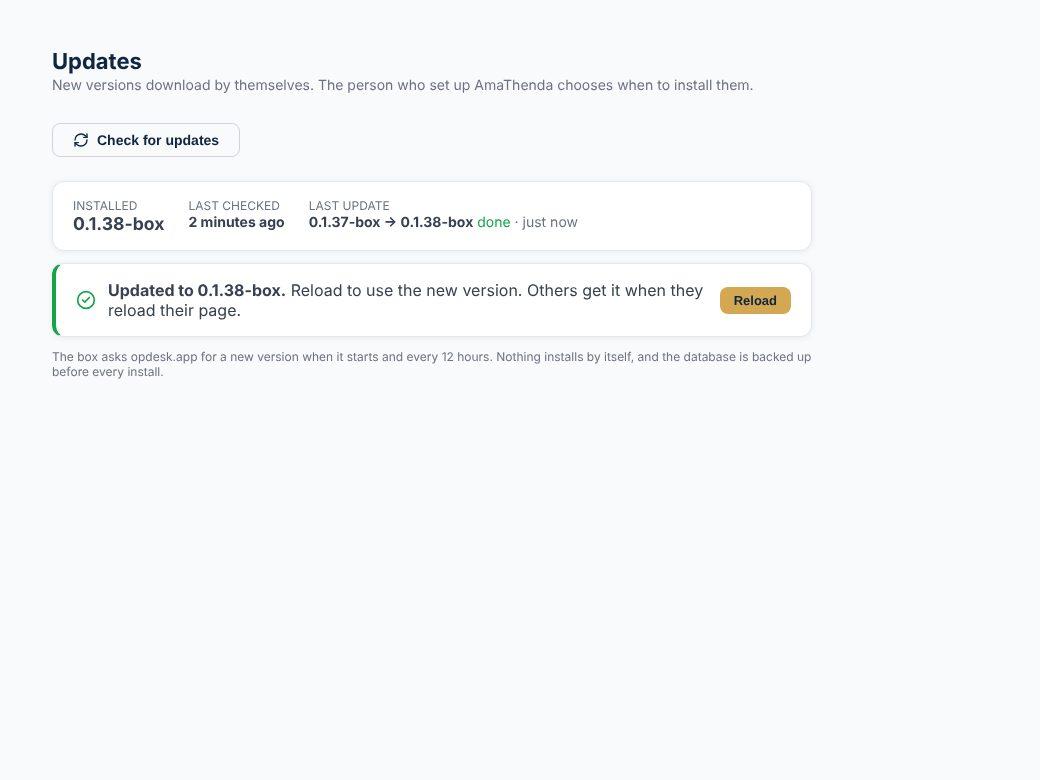
When it's back, reload to use the new version. If any step fails, the old version and data are put back by themselves.
Win more tenders with AmaThenda
Compliance documents, eTenders alerts, tender packs, estimates and quotations on your office PC. R999 a month, 14 days free.